The Wakelet Web App
Wakelet works wherever your browser does.
Use Wakelet on phones, tablets, laptops, and devices through mobile web. Just open Wakelet from your device and start collecting, organizing, and sharing.

Capture, save, and organize content on the go with Wakelet's mobile web app.
No app download needed.
Open Wakelet from your browser, save it to your home screen, and use it straight away. No need to search an app store, install updates, or manage another app on your device.
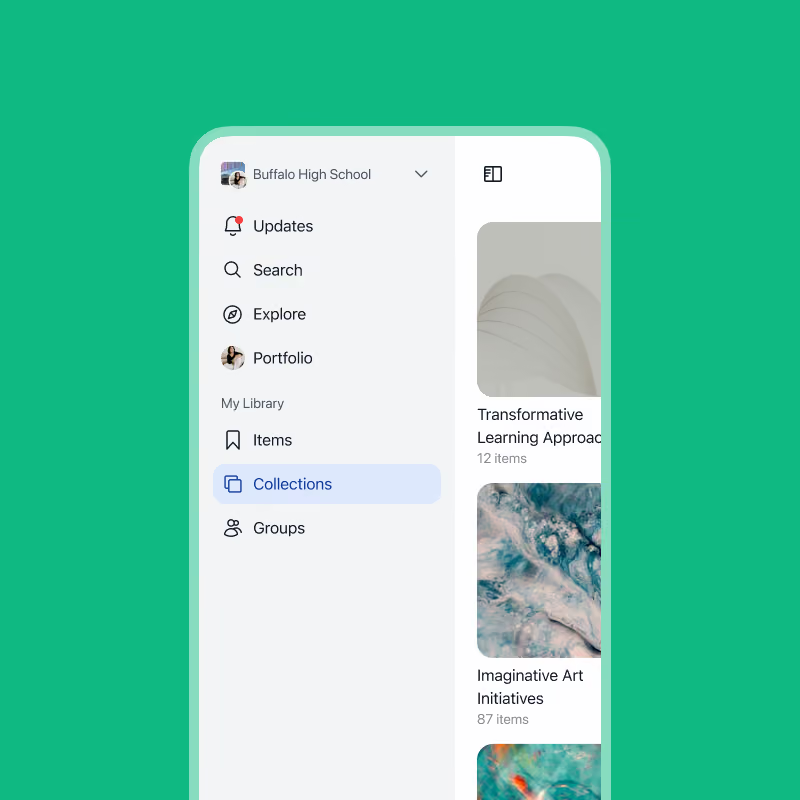
Works across all phones and tablets.
The Wakelet web app works on all modern mobile browsers, making it easy to collect, organize, and share content from phones, tablets, laptops, Chromebooks, and school devices.
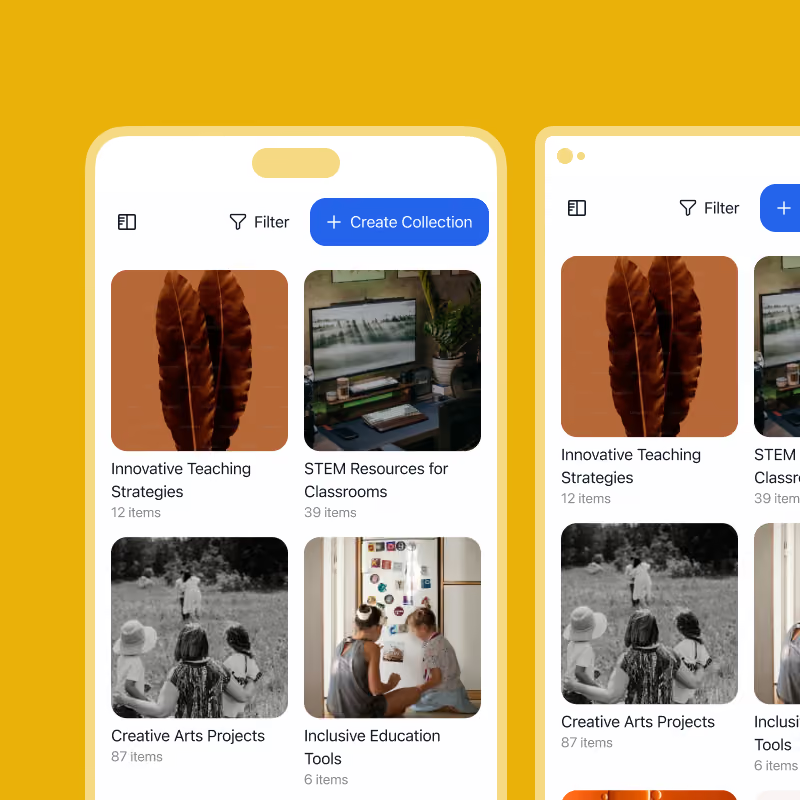
Built for accessibility.
Wakelet is designed to work for everyone. Flexible, compatible, and built to run across iOS, Android, and every modern browser. A consistent experience across every device, and every learning environment.
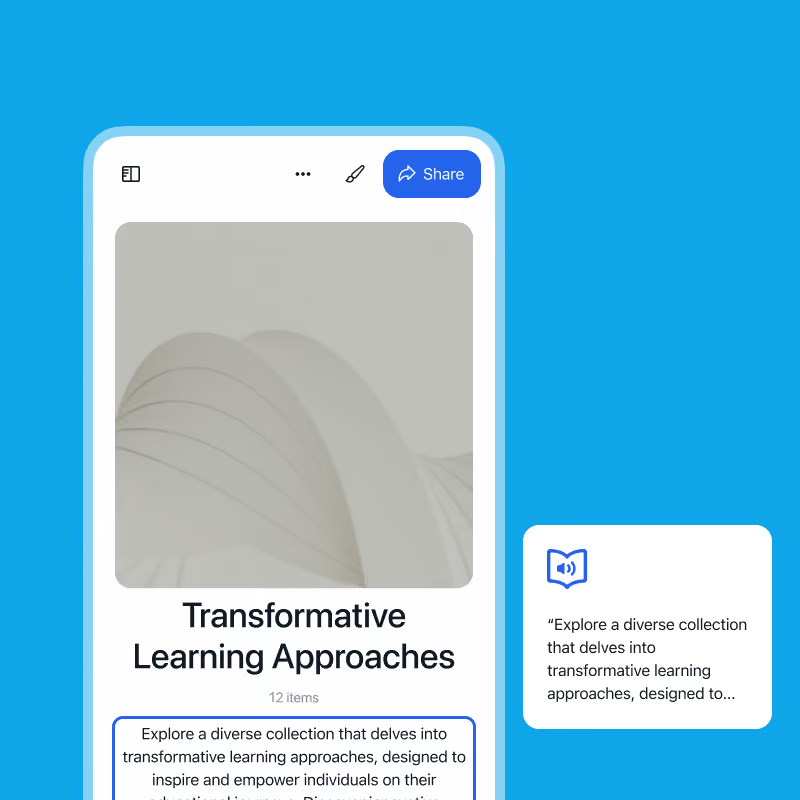
Use Wakelet like an app, without downloading an app.
Add Wakelet to your device home screen to start curating on the go.
Ios
On iPhone and iPad
 Head to www.wakelet.com on your device
 Tap the share button and press "Add to Home Screen" - make sure the "Open as Web App" option is selected.
 Wakelet will appear on your home-screen like an app, ready for you to use.
Android
On Android
- Head to www.wakelet.com on your device
- Tap the three dot menu next to the address bar, and press "Install and create shortcut". Rename to "Wakelet" and click install.
- Wakelet will appear on your home-screen like an app, ready for you to use.
85%
of 9th graders met engagement goals in semester one
20+
US states with a Portrait of a Graduate framework
K-12
Portfolios that grow and travel with students
Trusted by 10M+ educators, students, teams, and organizations across the world.













Frequently asked questions
Does Wakelet have an iPhone or Android app?
Can I use Wakelet like an app on my phone?
Why does Wakelet use mobile web instead of separate apps?
How do I add Wakelet to my iPhone or iPad Home Screen?
How do I add Wakelet to my Android Home Screen?